ParkEasy – Vehicle Parking Mobile App UI/UX Design
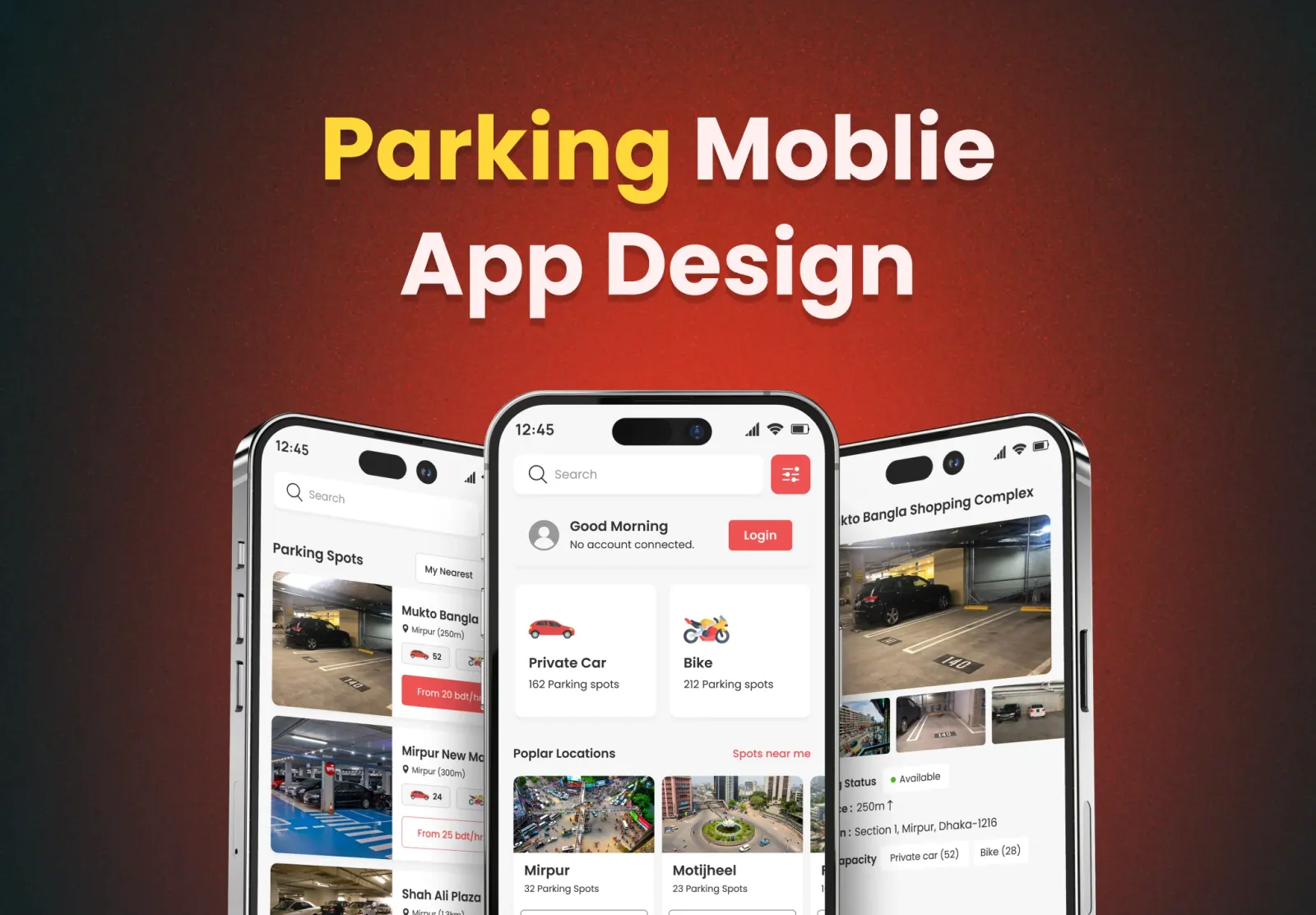
Project Description
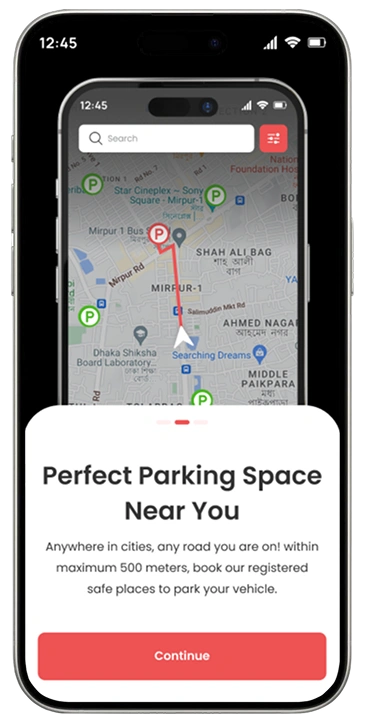
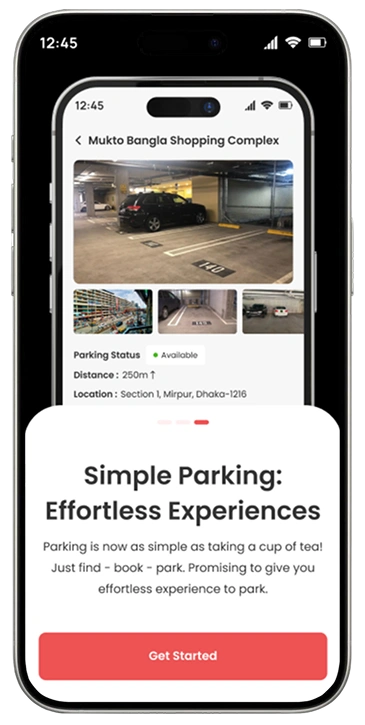
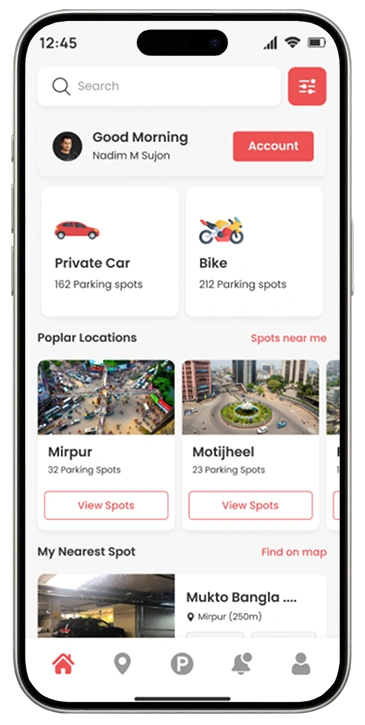
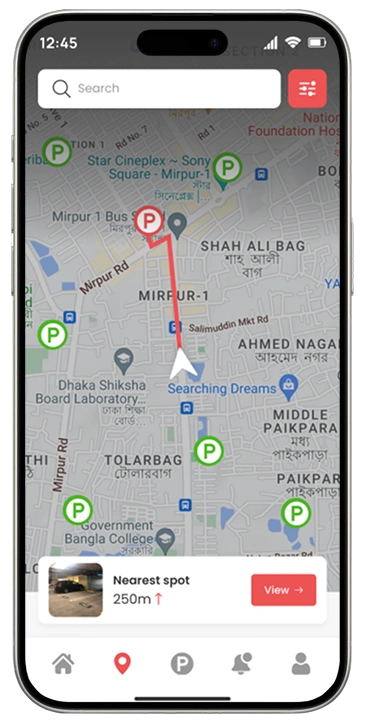
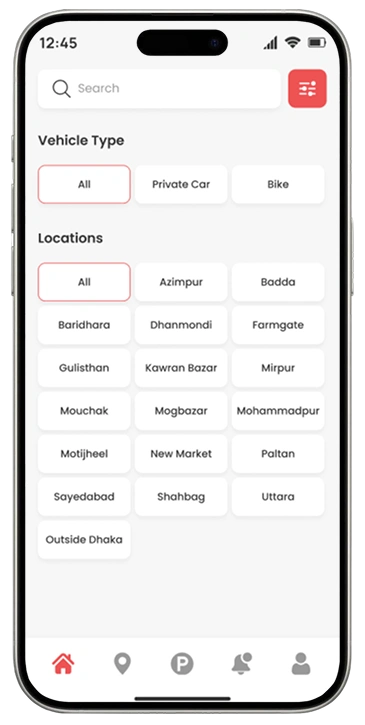
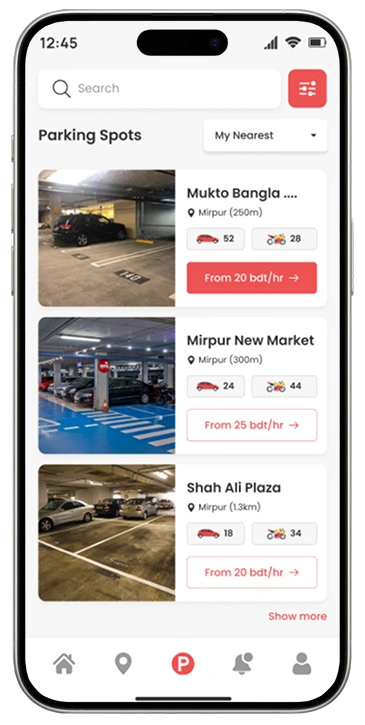
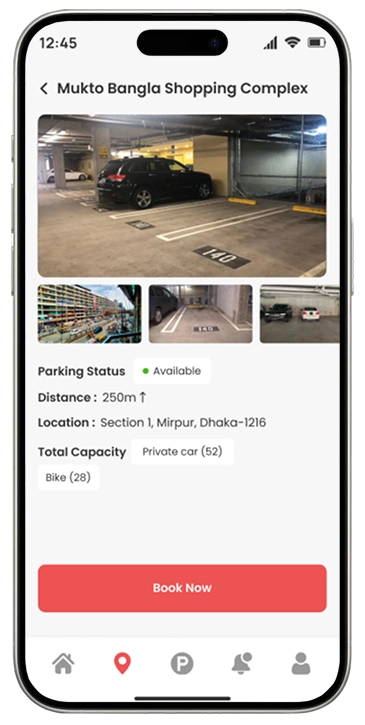
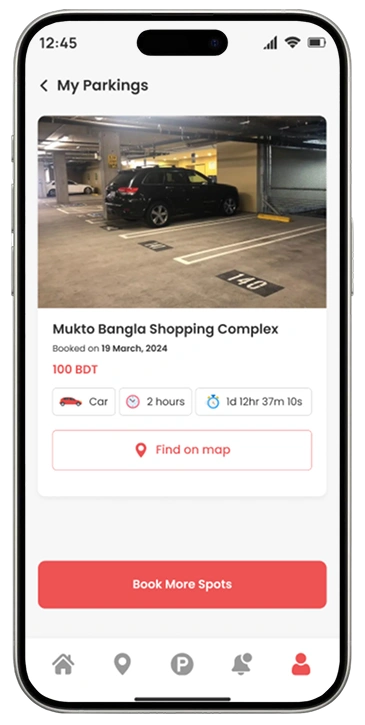
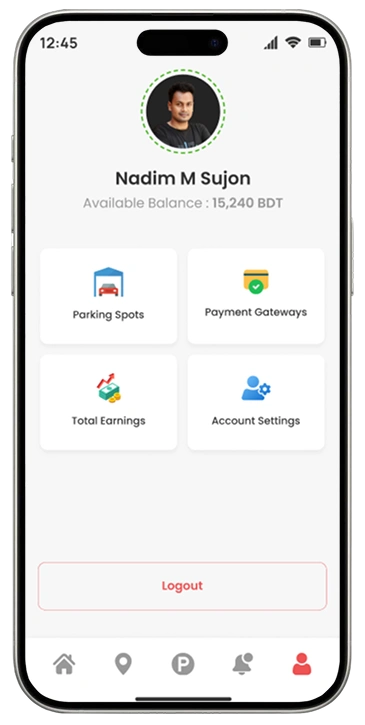
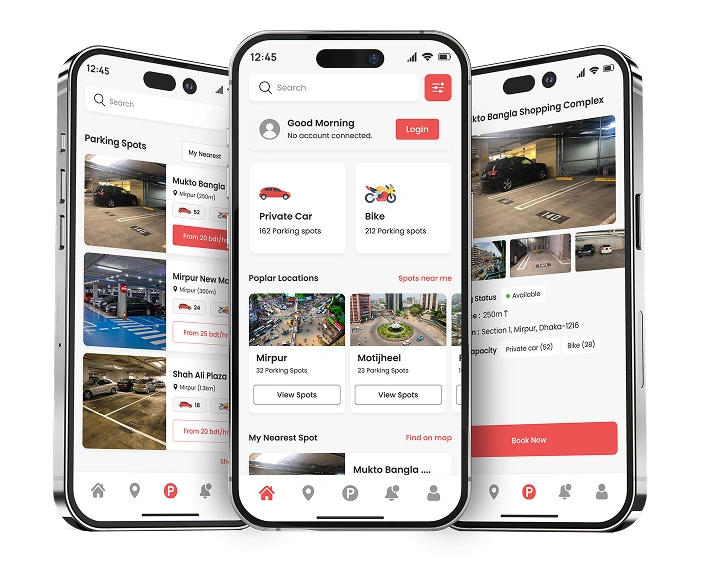
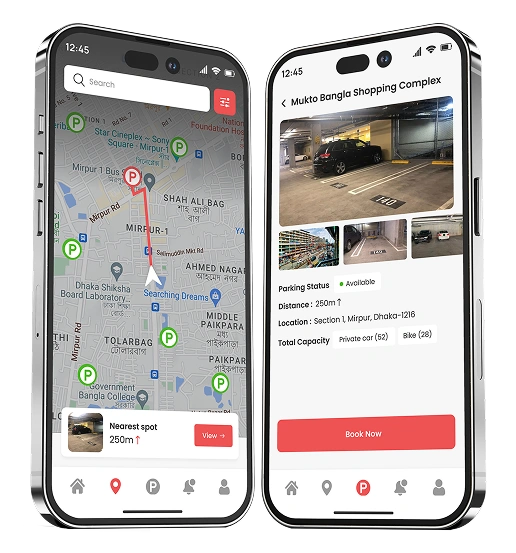
We designed a user-friendly mobile app that simplifies the parking experience from search to payment. With a clean interface and intuitive flow, users can quickly find nearby parking spots, check real-time availability, reserve spaces, and navigate with ease. The UI/UX focuses on reducing user friction, improving accessibility, and ensuring smooth interactions on the go. Designed in Figma with scalable components and a mobile-first approach, the app is fully optimized for both iOS and Android platforms.
Parking Empathy — Wrong Parking
Drivers often unintentionally park in unauthorized or restricted areas due to unclear signage, lack of real-time information, or unfamiliar locations. This leads to fines, towing, and inconvenience — highlighting the need for smarter solutions to help users avoid wrong parking.
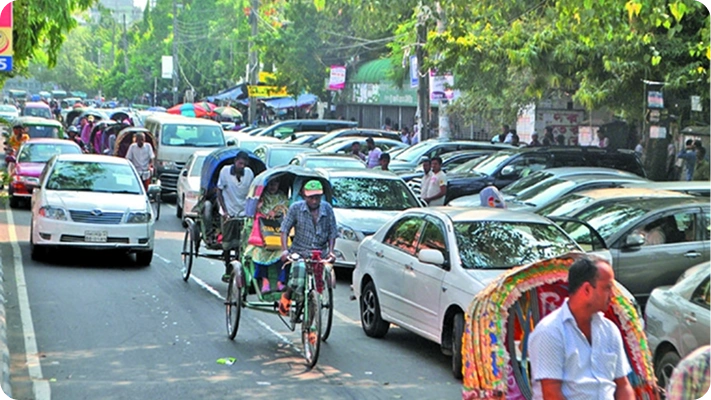
Traffic Jam
Urban areas face frequent traffic congestion due to high vehicle density, inefficient traffic flow, and limited parking availability. Traffic jams not only waste time and fuel but also increase stress, pollution, and the risk of accidents.
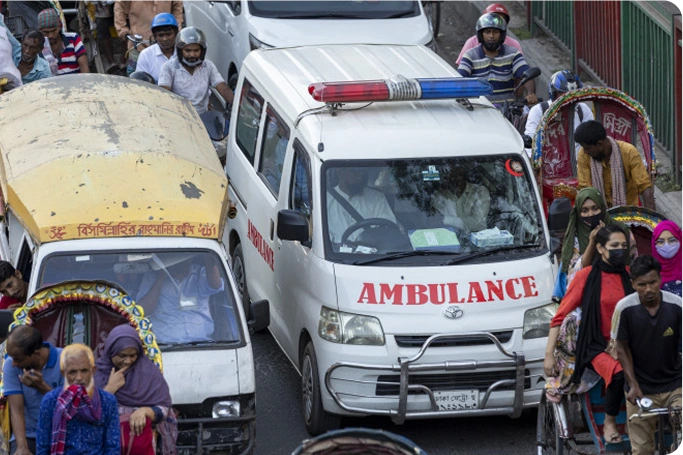
High Risk for Emergency Patients
Wrongly parked vehicles, especially near hospitals or emergency zones, can block access routes for ambulances and emergency services. This can put critical patients at severe risk by preventing timely medical attention.
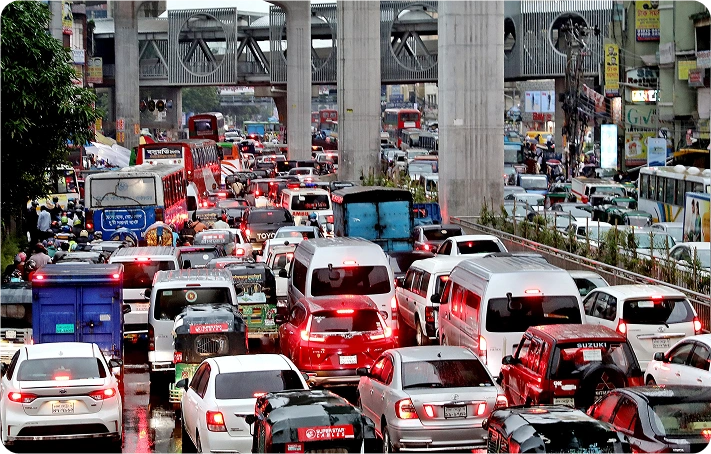
Cause of Traffic Fines
Wrong parking is a major contributor to congestion and fines in busy urban areas. Drivers often park in restricted zones due to poor signage or absence of real-time guidance, resulting in penalties, towing, and stress.
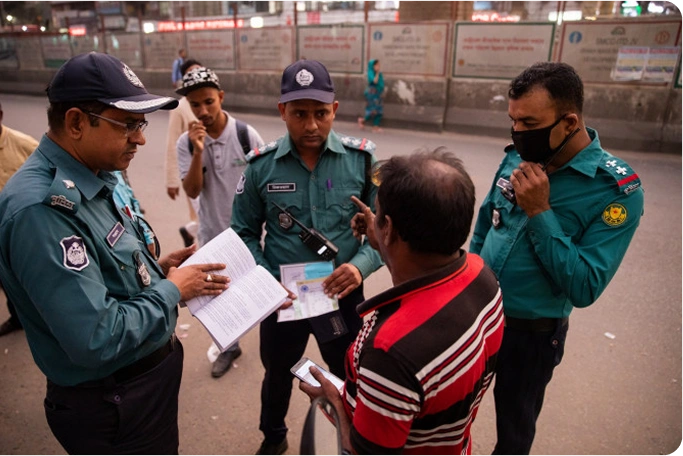
Problem Statements
- Lack of accurate real-time information on available parking spots
- Frequent wrong parking leading to costly traffic fines and penalties
- Insufficient legal parking spaces in high-density urban areas
- Confusing and inadequate parking causes driver mistakes
- Excessive time wasted by drivers searching for available parking
- Severe traffic congestion triggered by vehicles circling for parking
- Unauthorized parking in restricted zones due to lack of guidance
- Visitors struggling to find parking in unfamiliar city areas
- Limited accessible parking options for drivers with disabilities
- Overcrowding and shortage of parking during peak traffic hours
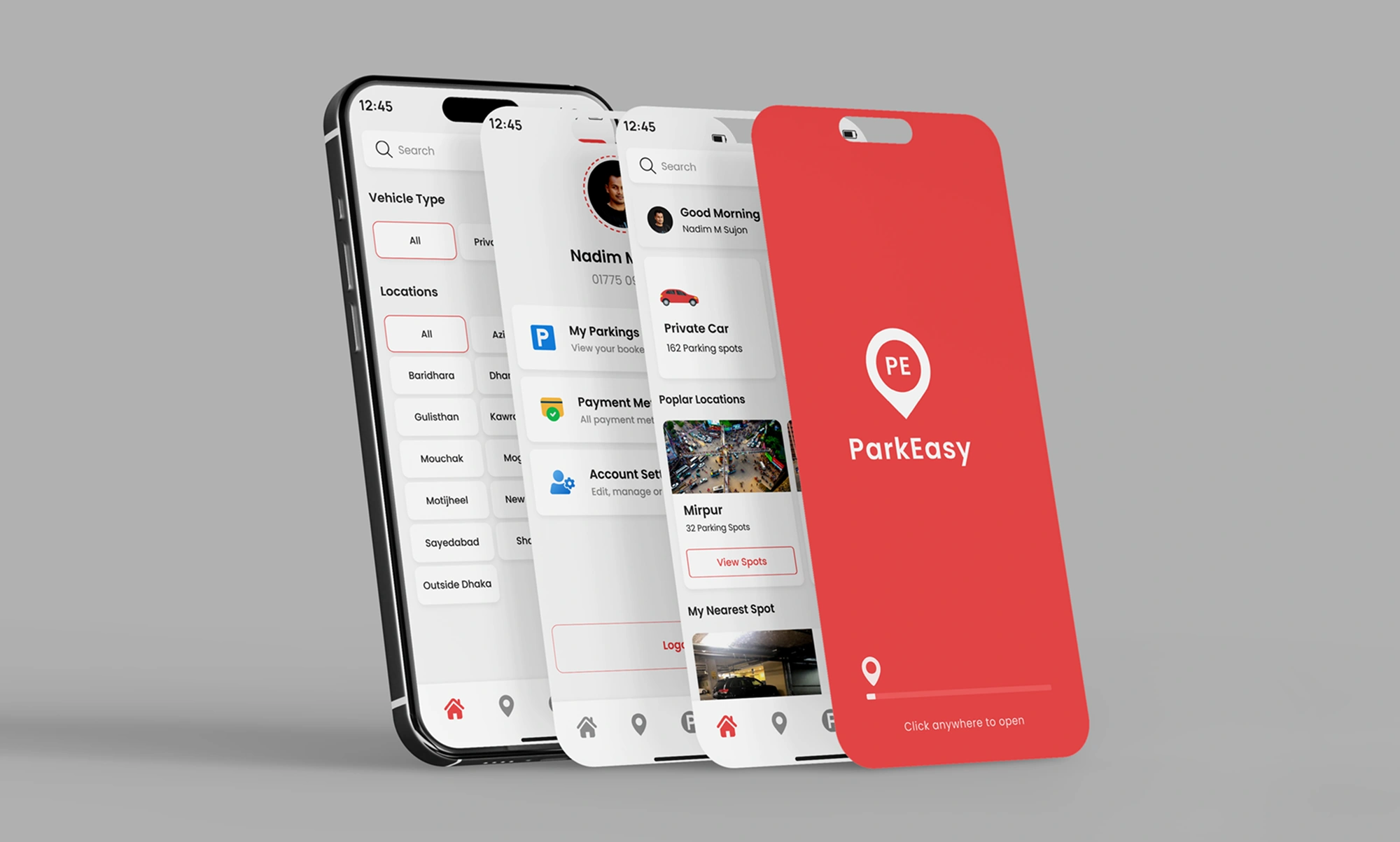
Solutions Through Our Parking Mobile App
- Real-time updates on available and the nearest parking spots to reduce search time.
- Clear maps and smart filters to avoid unauthorized or restricted areas.
- Step-by-step navigation to guide drivers directly to their parking space.
- Personalized alerts to prevent wrong parking, time alerts, and related fines.
- Accessibility features for both drivers and parking spot owners with special needs.
- Helps reduce traffic congestion by minimizing circling and double parking.
- Supports users in unfamiliar areas with intuitive, easy-to-use design.
- Seamless and stress-free parking experience on both mobile and tablet devices.
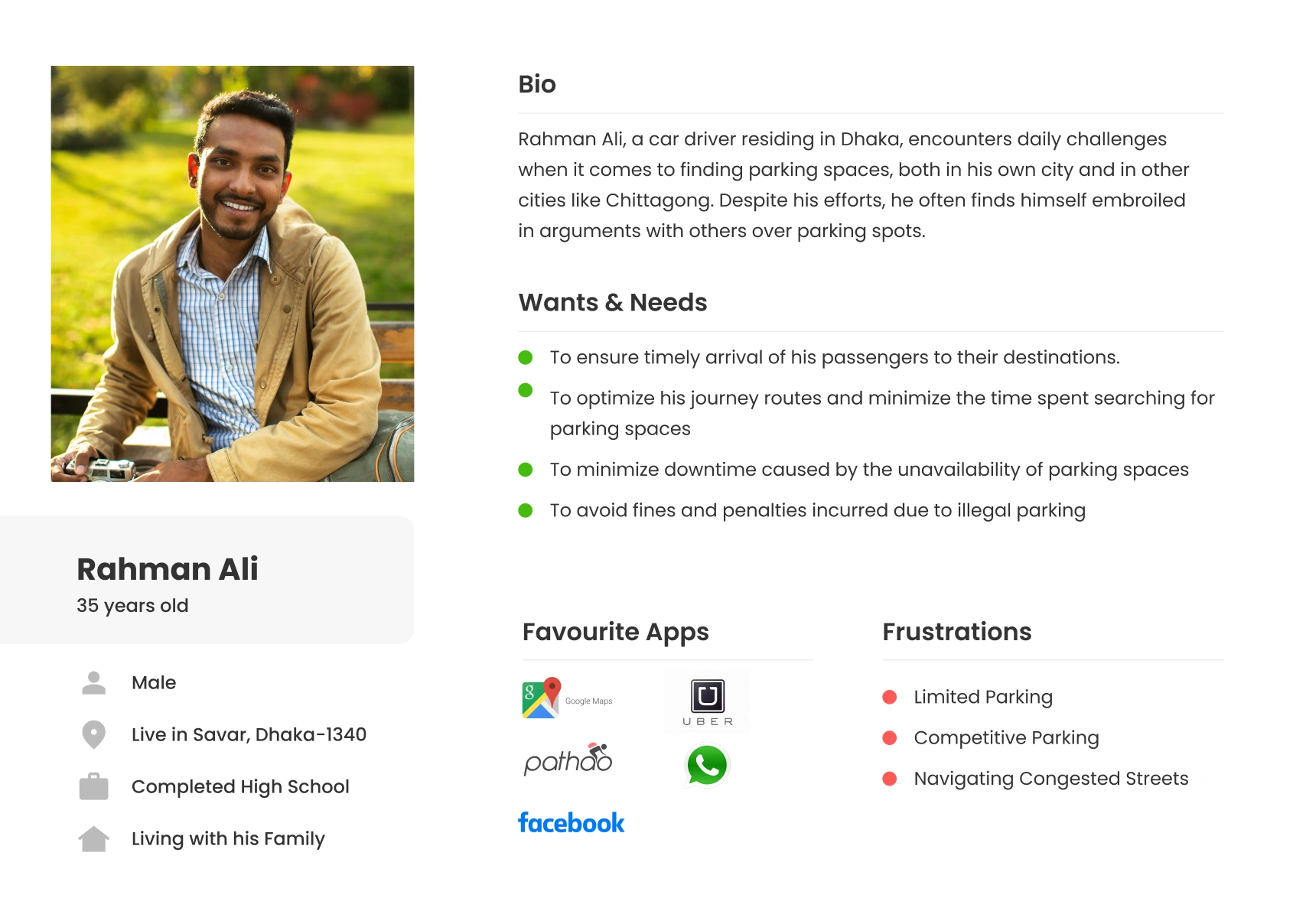
User Persona
Sitemap

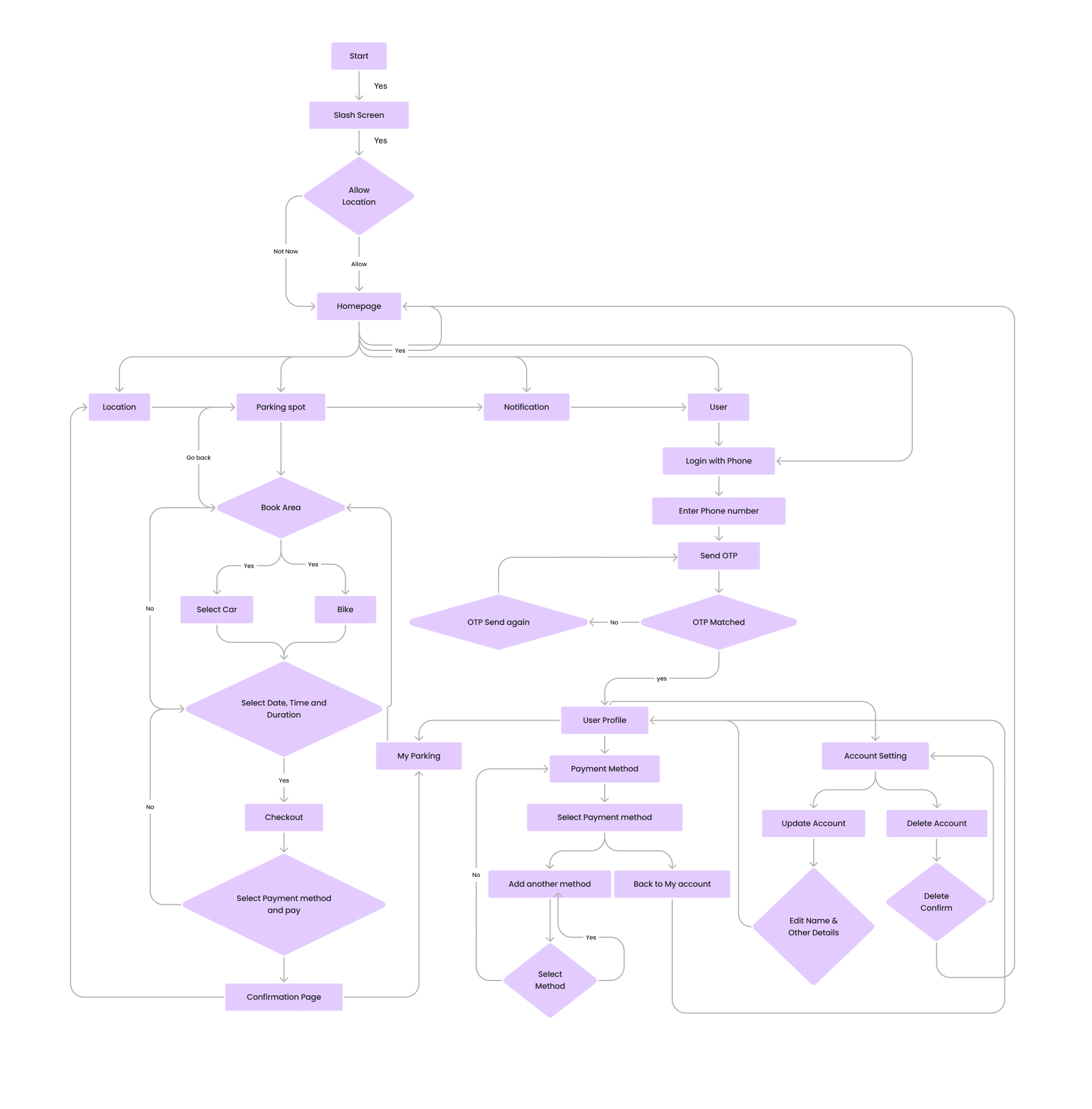
Userflow Diagram
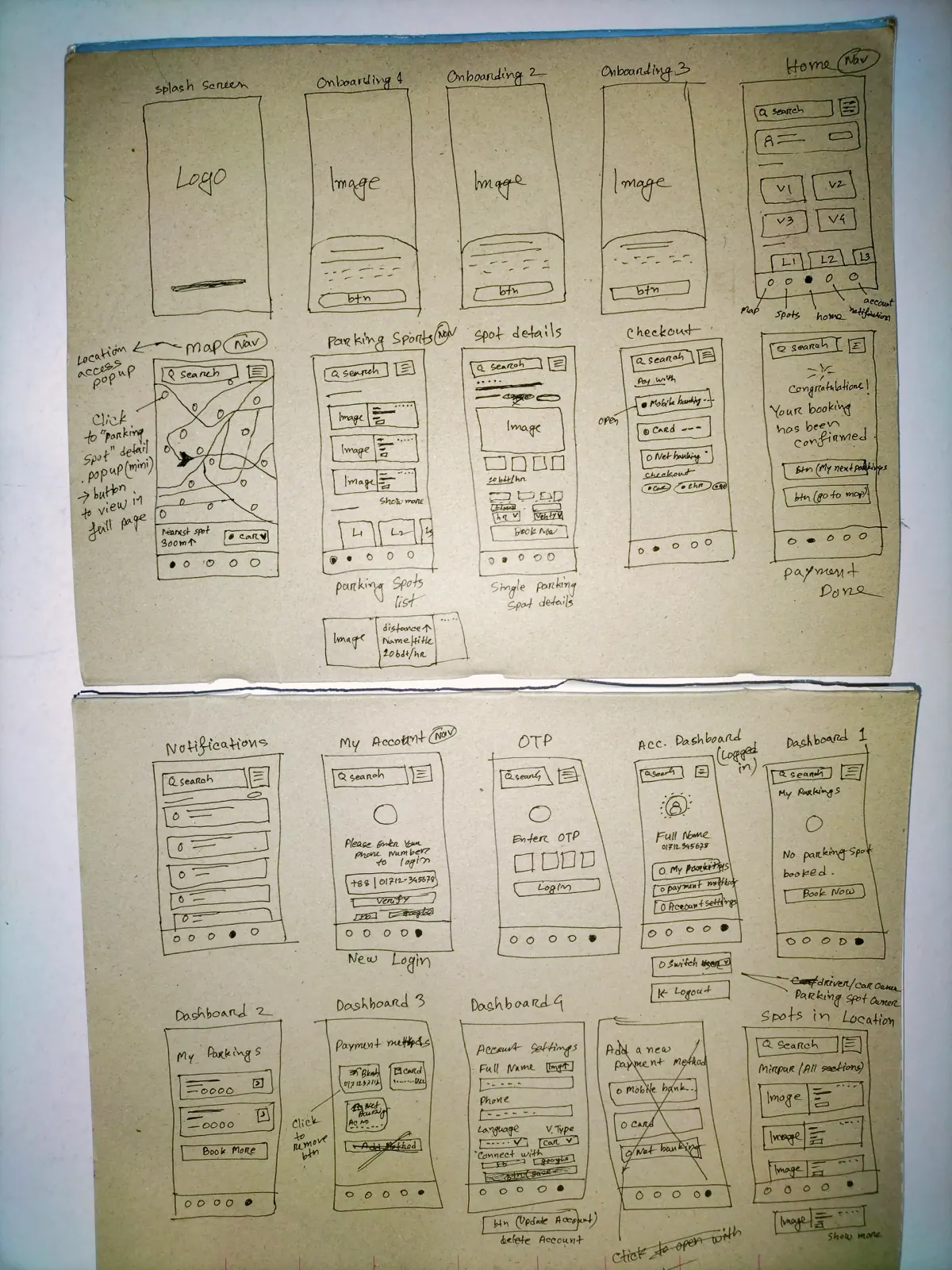
Low Fidelity Wireframes
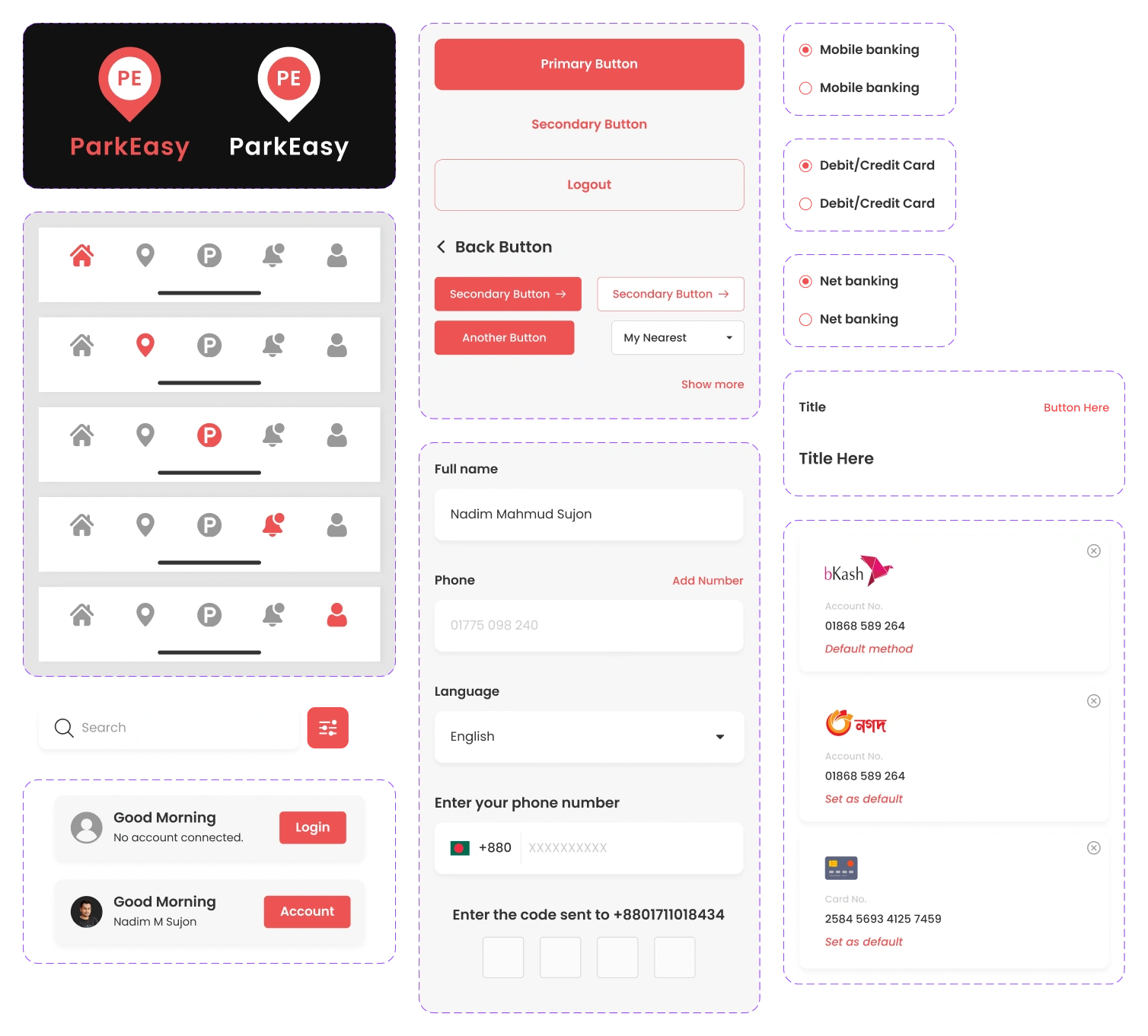
Design System

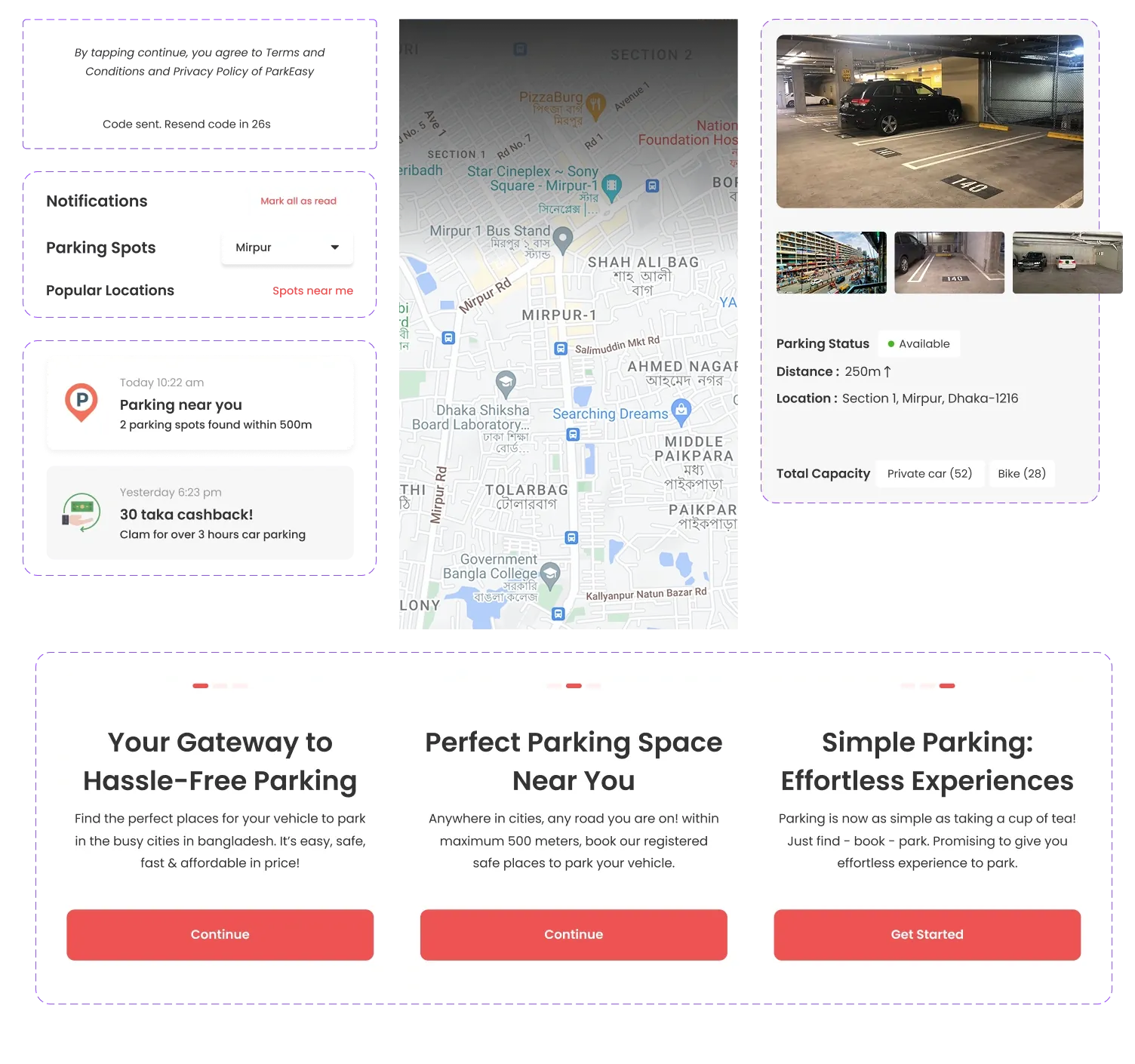
All Components & Sets
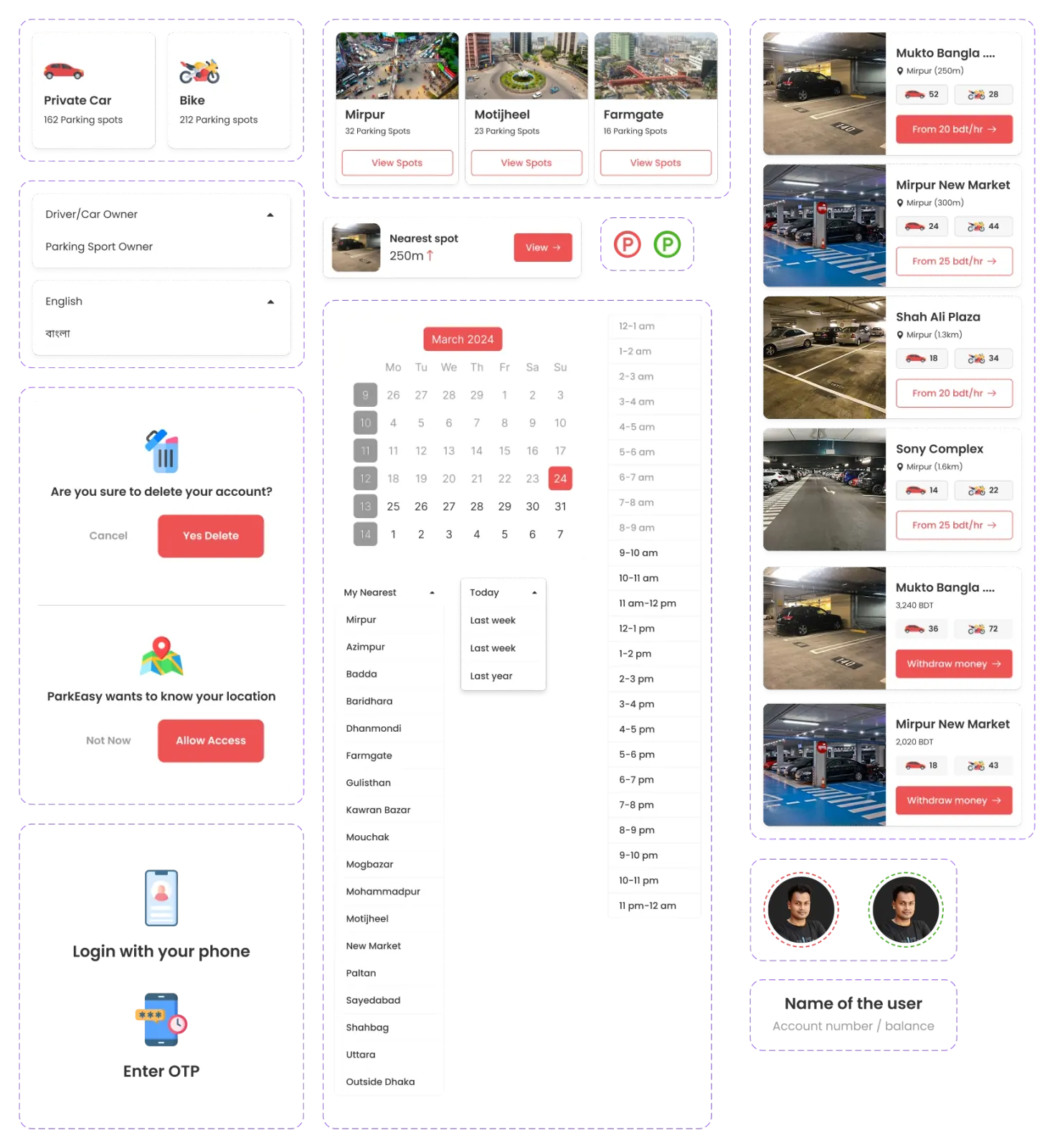
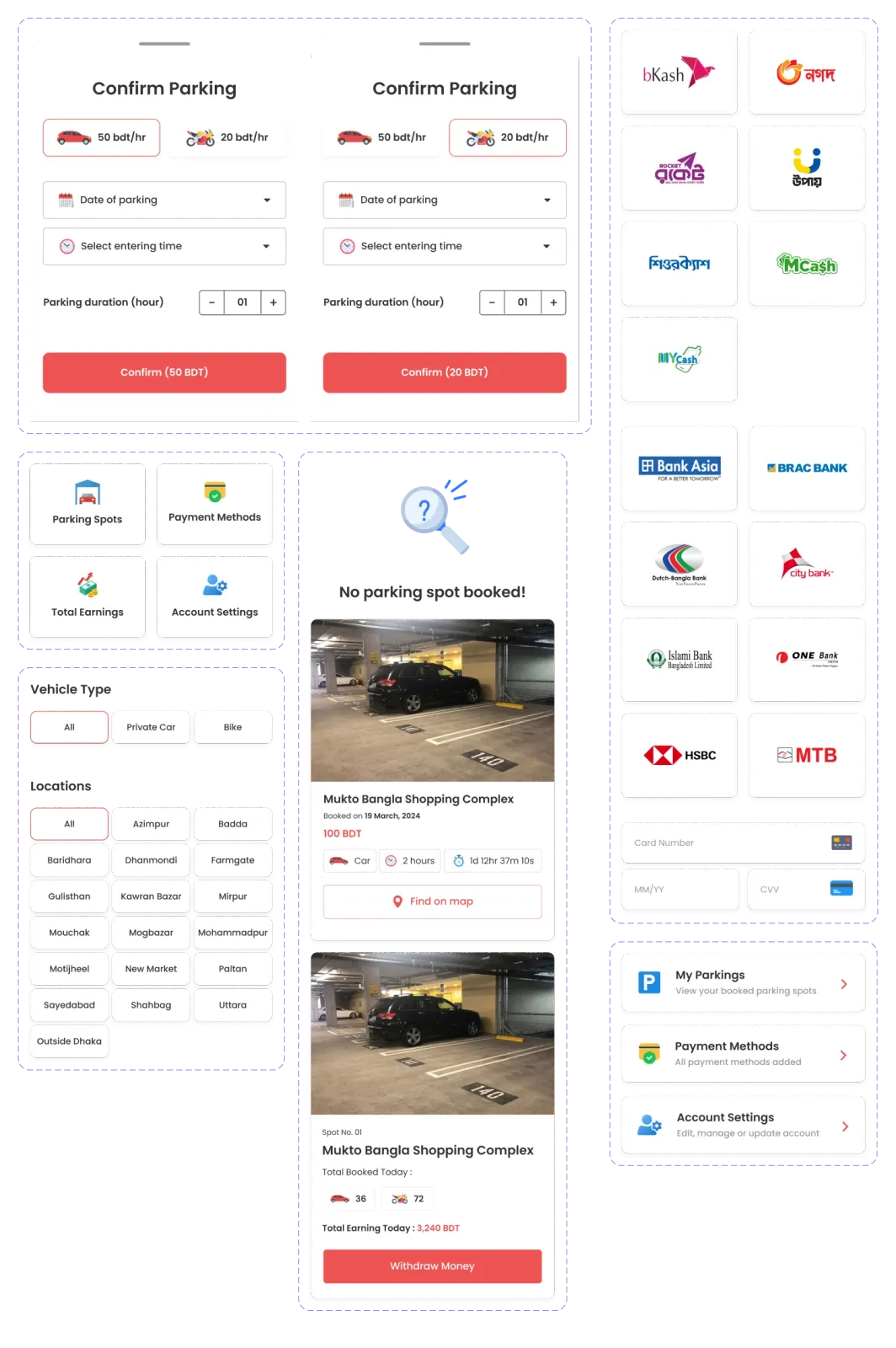
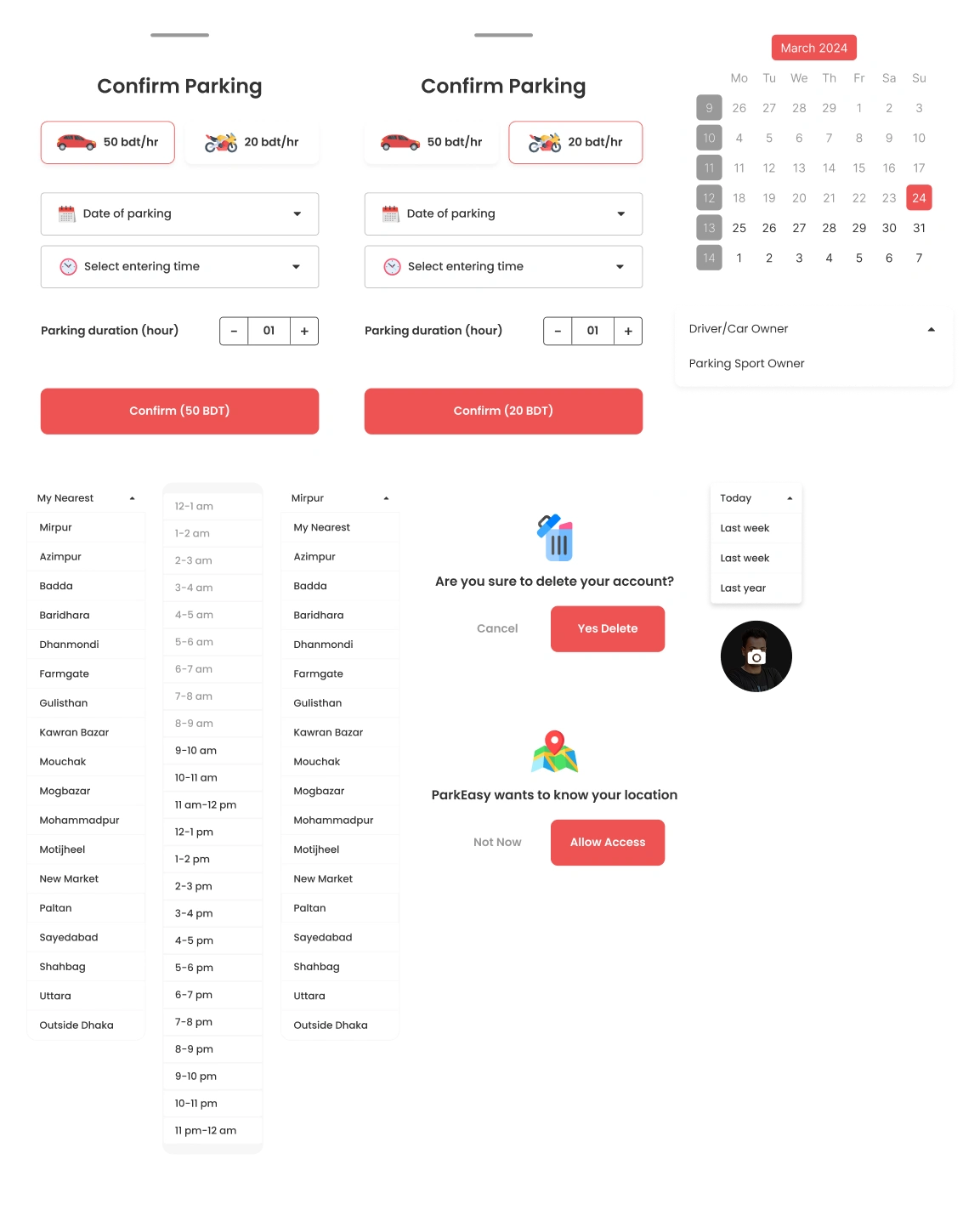
Dropdowns & Popups
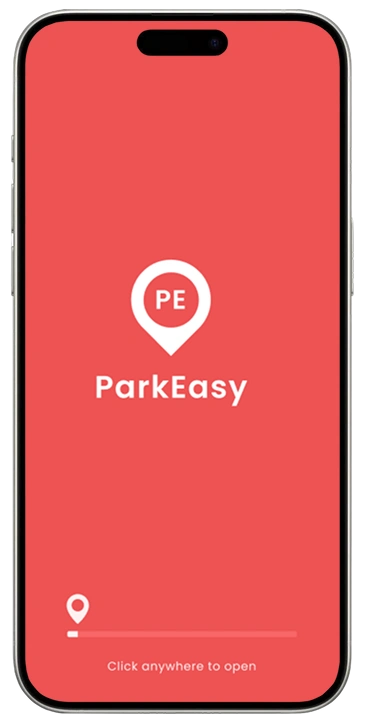
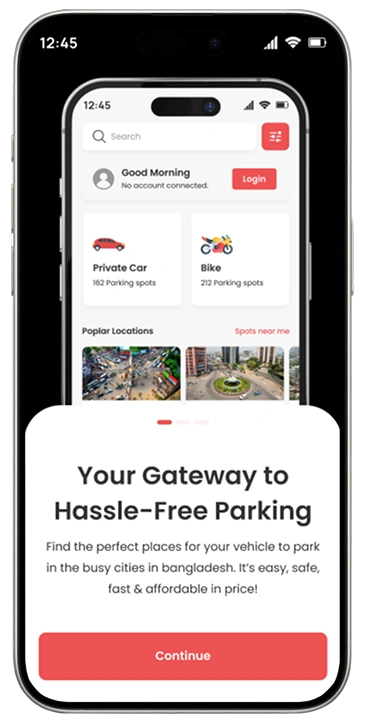
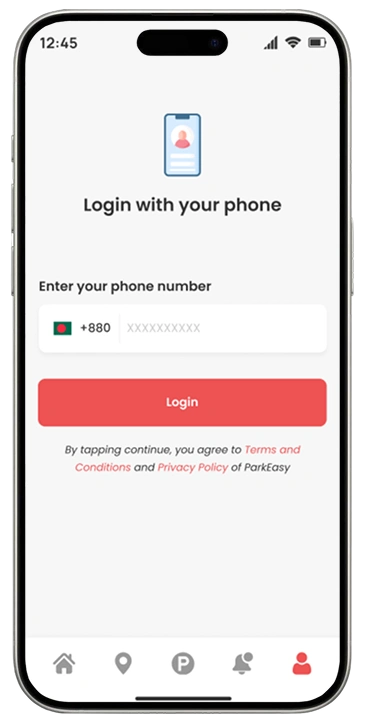
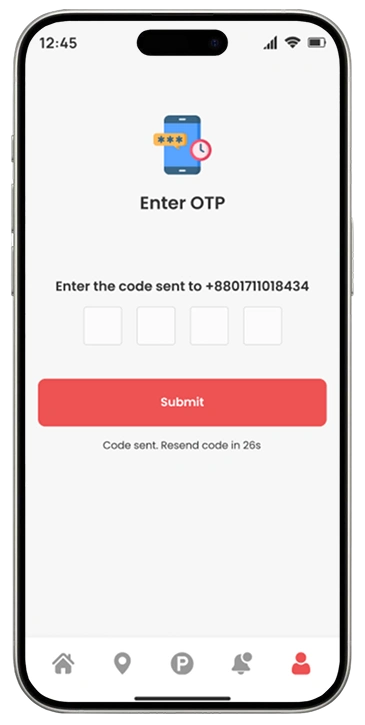
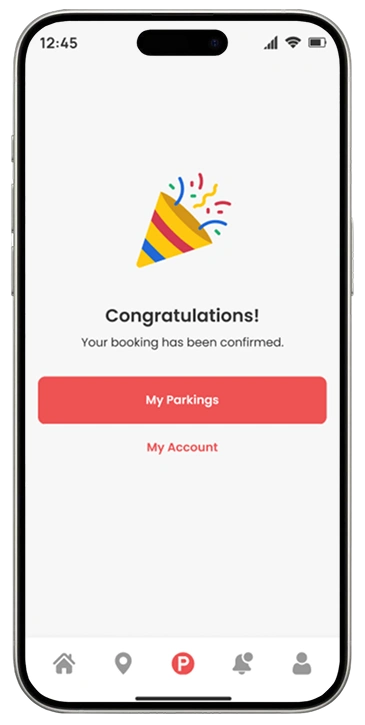
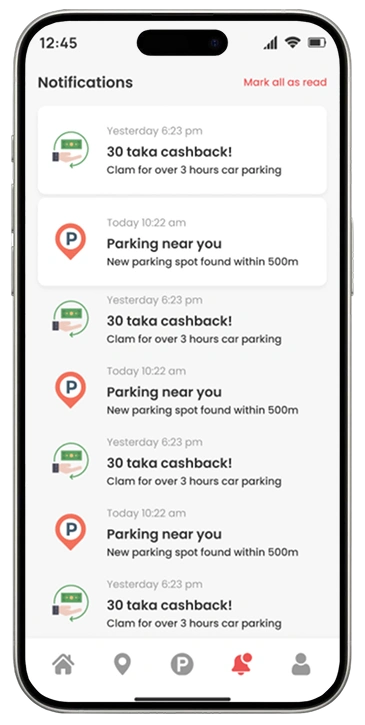
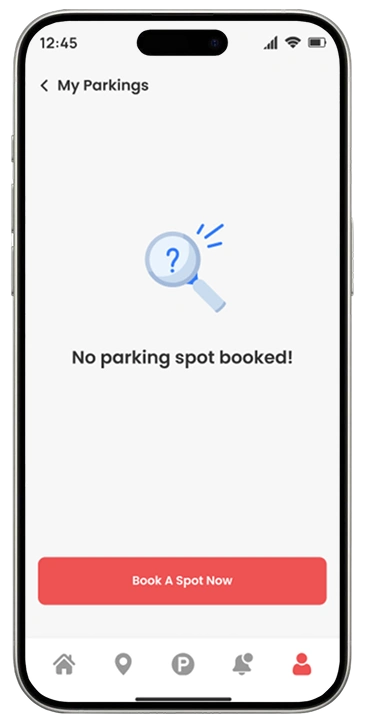
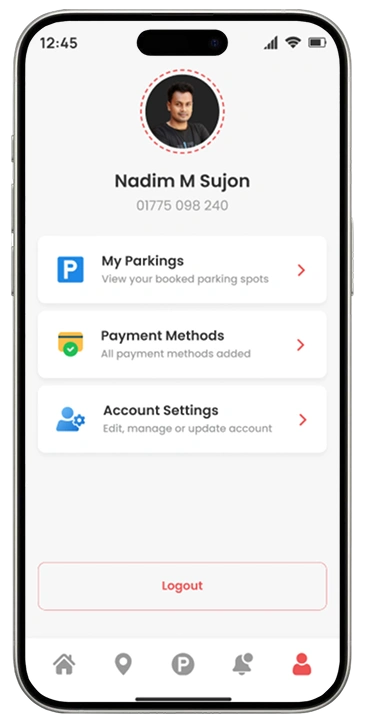
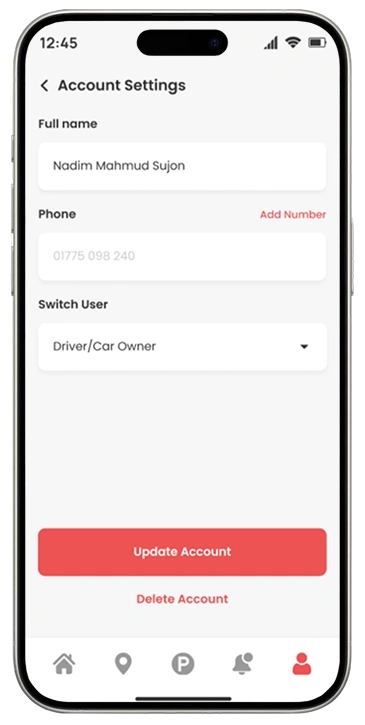
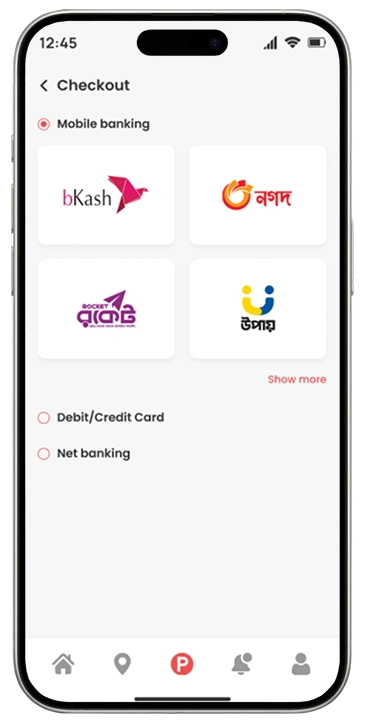
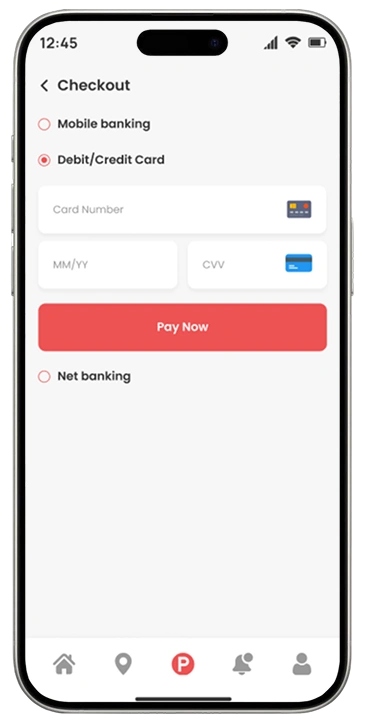
Final UI Design
Thanks for watching 💛
Start a project with meRelated service
WordPress Website Design & Development
Custom WordPress websites built with Elementor, Divi, or Avada — from $69.
See how I can help