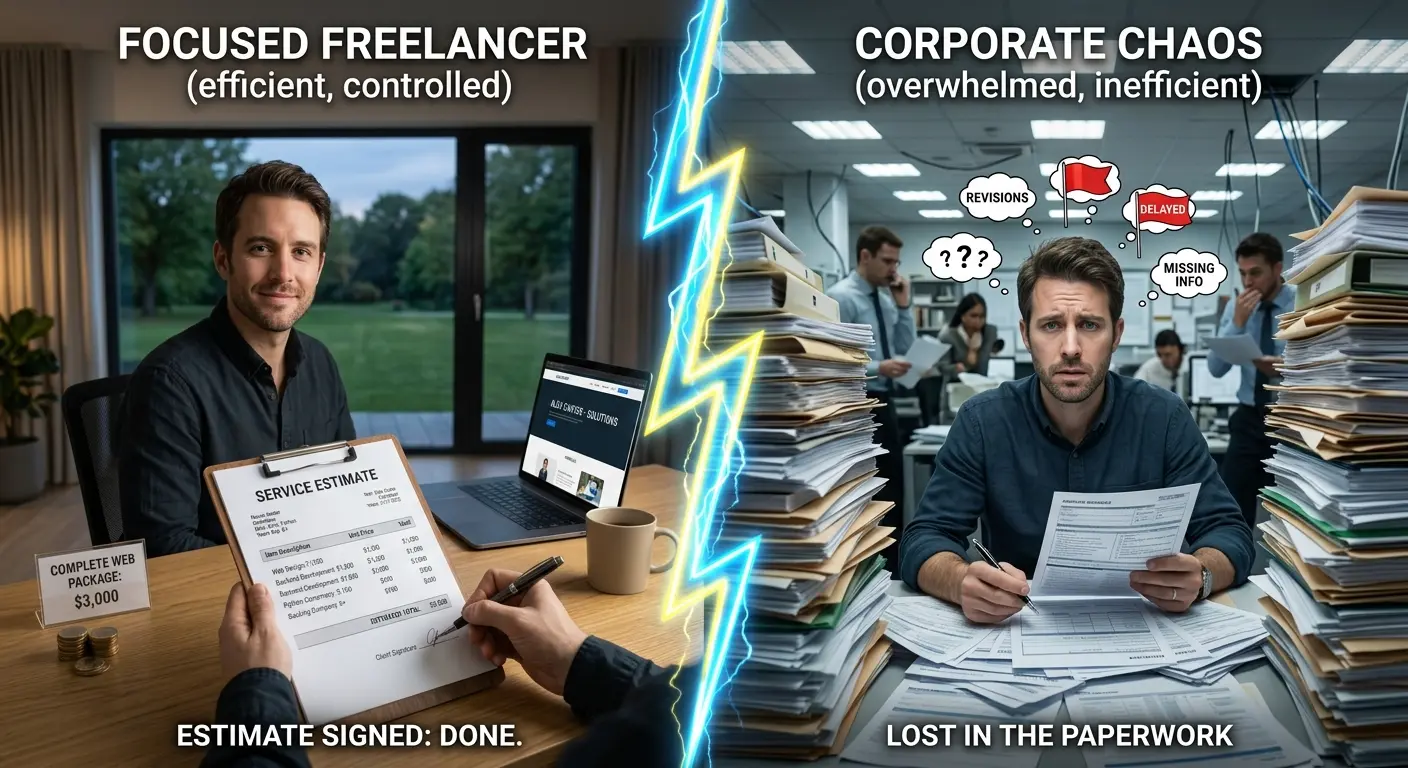
WordPress Developer vs Agency: Which Should You Hire?
Freelance WordPress developer or full agency? A practical comparison of cost, speed, communication, and fit — so you hire the right one for your project.
Read article
A practical checklist for hiring a WordPress developer: vetting steps, questions to ask, contract basics, and the red flags that save you thousands.
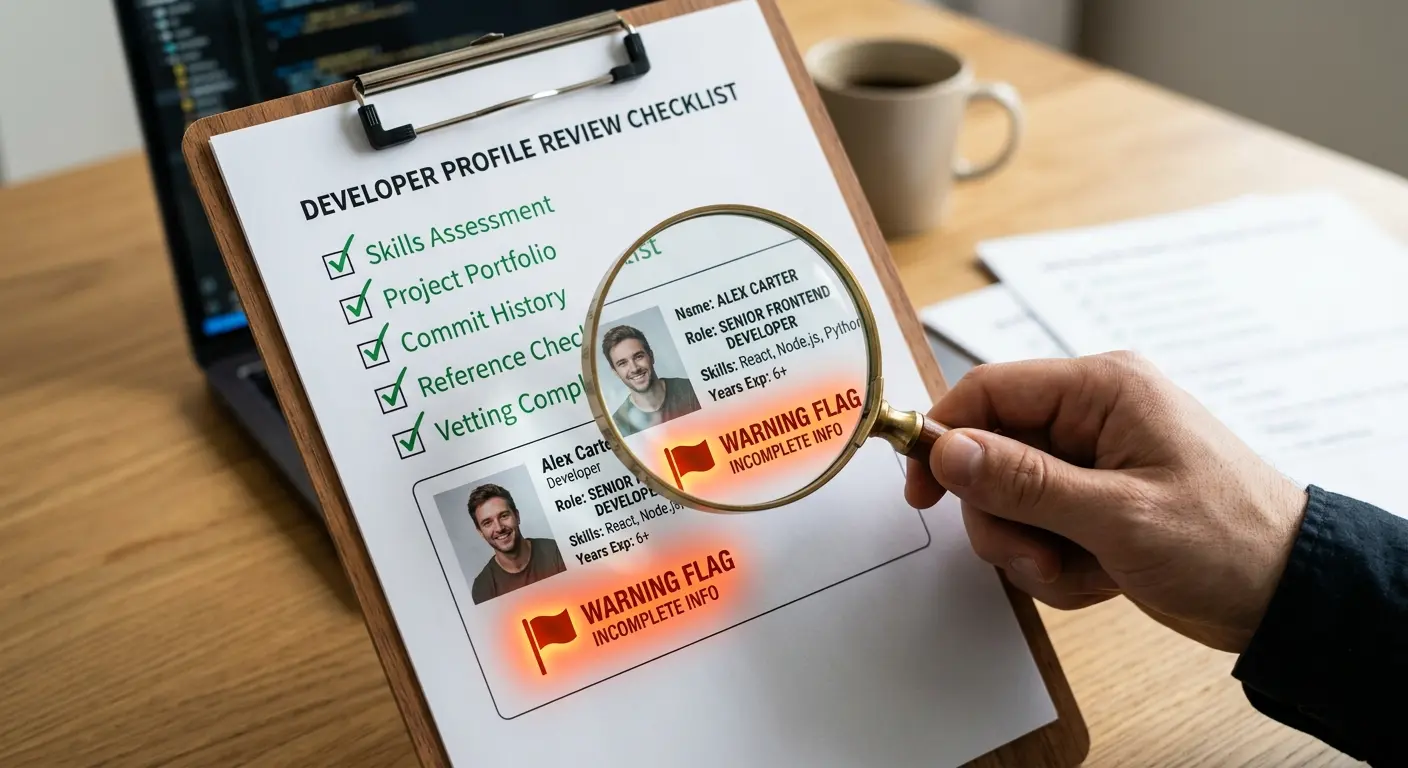
Hiring the wrong WordPress developer is expensive — a slow, broken, insecure site can cost you thousands in lost enquiries and rebuild fees. Hiring the right one takes an afternoon of proper vetting. This is the exact 9-step checklist I recommend before anyone hands over a deposit.
Write one sentence: what should this website do? Generate quote requests, sell products, book appointments, or present a portfolio. A developer who cannot restate your business goal back to you in plain words will build you a brochure, not a tool.
Ask for three live sites the developer built end-to-end. Visit each one on your phone, run it through Google PageSpeed Insights, and check how fast pages load. A portfolio of fast, clean sites is the best CV. Browse mine on the portfolio page — every case study shows the business outcome, not just screenshots.
Anyone can install a theme. Ask specifically: how do you handle WordPress updates, backups, security, and breaking plugins? If they only do 'launches', your site has no plan after day 30. See what proper maintenance should include.
A good developer builds with clean structure, schema markup, and Core Web Vitals in mind. If you hear 'SEO is marketing, not development', keep looking — the two are inseparable on WordPress.
The quote should name: number of pages, build and revisions included, payment schedule, and delivery date. Hourly quotes with vague scopes are how £2k projects become £8k. On my hire a WordPress developer page, every package is fixed-price before work starts.
If a developer resists ownership transfer, that is not a negotiation point — it is a red flag.
How fast they reply during the sales stage is how fast they will reply when something breaks. For freelance projects, a 24-hour response promise (and evidence of keeping it) matters more than any certification.
Use milestone payments (for example 50% upfront, 50% at launch) and, where possible, a platform or method with dispute protection for first-time partnerships. Watch for these red flags before paying anything:
Not sure? Commission one page or a speed fix as a paid trial. A small real project reveals more than any interview. A free website audit can also show you exactly what to ask for.
The right WordPress developer answers questions about your business, not just about WordPress.
Ready to hire? Get a fixed quote within 24 hours — clear scope, real timeline, you own everything.
Let's talk about what your business needs to grow online.
Get in touchFreelance WordPress developer or full agency? A practical comparison of cost, speed, communication, and fit — so you hire the right one for your project.
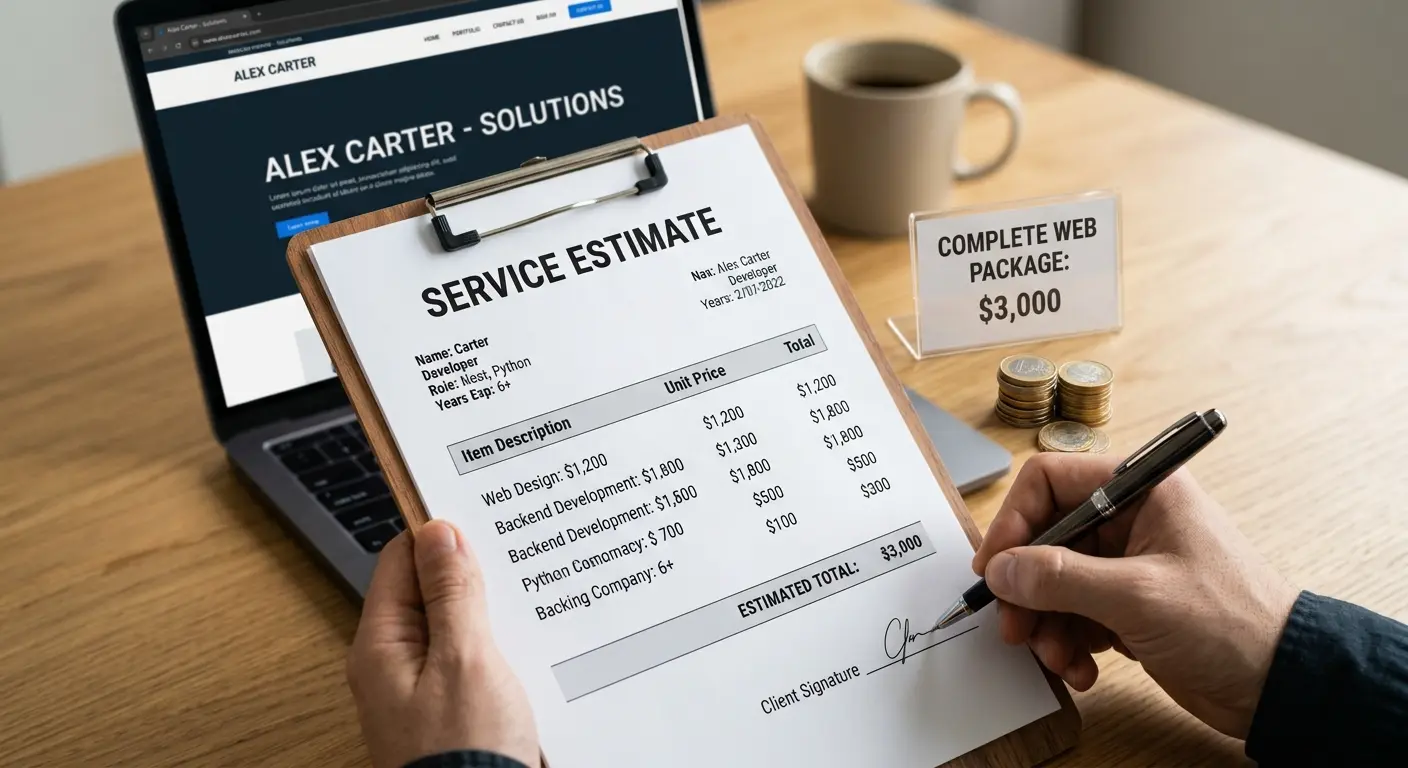
A transparent breakdown of WordPress developer rates in 2026: hourly vs fixed pricing, what different budgets get you, and how to avoid overpaying.

Real UK prices for a WordPress website in 2026: agency vs freelance rates, hosting and maintenance costs, and what each budget level actually gets you.